- SolidJS - Home
- SolidJS - Cheatsheet
- SolidJS - vs Vue, and Svelte
- SolidJS - Environment Setup
- SolidJS - First Solid App
- SolidJS - JSX Fundamentals
- SolidJS - Fine-grained Reactivity
- Building with Components
- SolidJS - Function Components
- SolidJS - Styling Your Components
- SolidJS - Conditional Rendering
- SolidJS - Dynamic Lists
- SolidJS - Passing Data
- SolidJS - Event Handling
- Routing, Data, and Async Operations
- SolidJS - Setting up Routes
- SolidJS - Input Handling
- SolidJS - Input Types
- SolidJS - Form Handling
- SolidJS Useful Resources
- SolidJS - Useful Resources
- SolidJS - Discussion
SolidJS - Function Components
When we talk about modern web development, components are the fundamental building blocks for creating user interfaces. Let us think of components as LEGO bricks: individually, they are not meaningful, but when these pieces are combined, they build complex structures easily, same do the components.
What are Function Components?
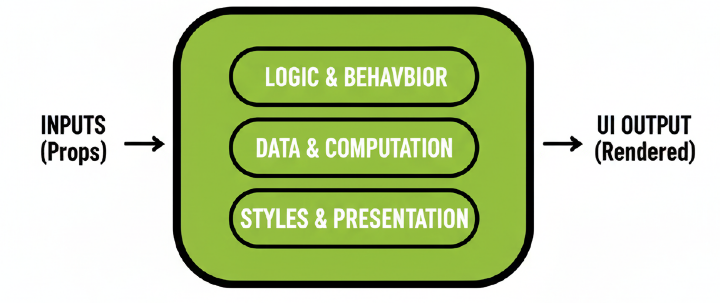
Function components are the building blocks of SolidJS applications. They are JavaScript functions that return UI elements written in JSX, also they can accept props as arguments.
Function components in SolidJS are reusable functions similar to ReactJS, and they use various reactive primitives to manage state and side effects in SolidJS applications.
Syntax
Below is the basic syntax to create a function component in SolidJS −
function Component_Name(){
     return //write your JSX
}
While making a function component in SolidJS, keep two things in mind: first, always start component names with a capital letter to avoid naming conflicts with built-in tags, and the component must return a single root element. You can use the fragments <>...</> if you wish to use multiple elements at once.
To use the above component, we have to use the following syntax in our file −
<Component_Name/>
Example
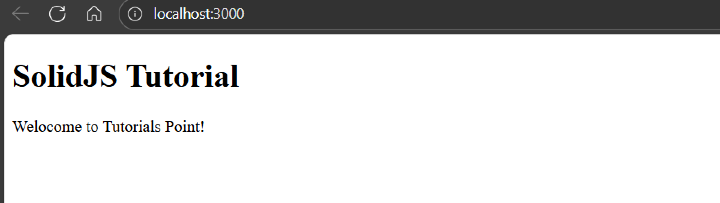
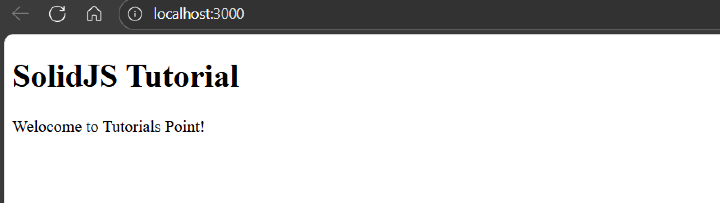
In the example below, we have created a function component named "Demo_Function_Component", which displays the UI inside the JSX −
function Demo_Function_Component() {
  return (
    <div>
      <p>Welocome to Tutorials Point!</p>
    </div>
  )
}

export default function App() {
  return (
    <main>
      <h1>SolidJS Tutorial</h1>
      <Demo_Function_Component   />
    </main>
  )
}
Below is the output for the above code −
Props in Function Components
Props, short for properties, are used to pass information from one component to another component. They are used as arguments in function components in SolidJS. They are mainly used to send information from the parent component to the child component.
Syntax
Below is the basic syntax to create a function component in SolidJS −
function Component_Name(props) {
  return (
    // use props inside JSX
    <>
      <p>{props.property_name}</p>
    </>
  );
}
In the above function component, we have created a prop, and to use its property inside the <p> tag.
To use the above component, we have to use the following syntax in our file −
<Component_Name property_name="ABC"/>
Example
In the example below, we have created a function component named "Demo_Function_Component", which uses a prop and displays the UI inside the JSX −
function Demo_Function_Component(props) {
  return (
    <div>
      <p>Welcome to {props.name}!</p>
    </div>
  );
}

export default function App() {
  return (
    <main>
      <h1>SolidJS Tutorial</h1>
      <Demo_Function_Component name="Tutorials Point" />
    </main>
  );
}
Below is the output for the above code −
Reactive Primitives in Function Components
SolidJS provides reactive primitives like createSignal, createEffect, and createMemo. SolidJS uses signals instead of useState or useEffect as in ReactJS. They track changes and automatically update the UI without re-rendering the whole component.
Syntax
Below is the basic syntax to create a function component with reactive primitives in SolidJS −
function Component_Name() {
     const [variable_name, setVariable_name] = createSignal(initial_value);

     return (
          // use the signal inside JSX
          <p>{variable_name()}</p>
     );
}
In the above function component, we have created a Signal using the createSignal() function and used the reactive signal inside our JSX.
To use the above component, we have to use the following syntax in our file −
<Component_Name>
Example
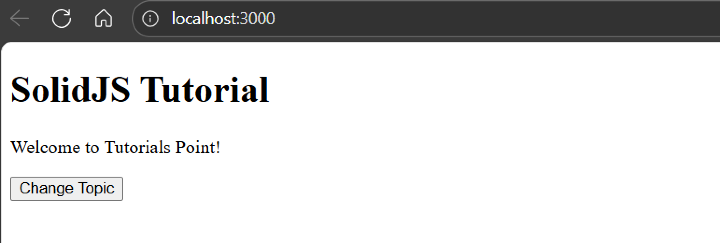
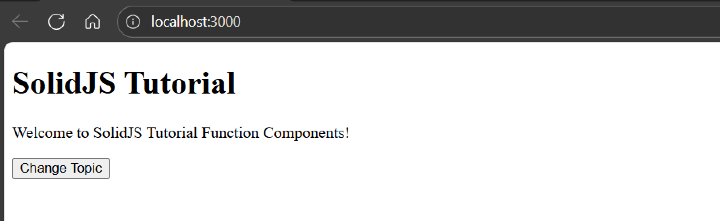
In the example below, we have created a function component named "Demo_Function_Component", which uses a reactive signal to change the UI when the button is clicked and displays the updated UI inside the JSX −
// src/App.jsx
import { createSignal } from 'solid-js'

function Demo_Function_Component() {
  const [topic, setTopic] = createSignal('Tutorials Point')

  return (
    <div>
      <p>Welcome to {topic()}!</p>
      <button onClick={() => setTopic('SolidJS Tutorial Function Components')}>
        Change Topic
      </button>
    </div>
  )
}

export default function App() {
  return (
    <main>
      <h1>SolidJS Tutorial</h1>
      <Demo_Function_Component />
    </main>
  )
}
Below is the output for the above code −