
- QC - Home
- QC - Introduction
- QC - Environment Setup
- QC - Server Side Configurations
- QC - Common Functionalities
- QC - Management
- QC - Requirements
- QC - Test Plan
- QC - Test Lab
- QTP - QC Integration
- QC - Defects
- QC - Dashboard Analysis
- QC - Project Customization
Selected Reading
Hp-QC - User Properties
User properties module helps users to customize their user profile information such as name, email ID and also helps users to change password.
Click "User Properties" Link which is on the left pane of the project customization window.

Click "Change Password" button on user properties pane. Current logged in users credentials can only be changed.
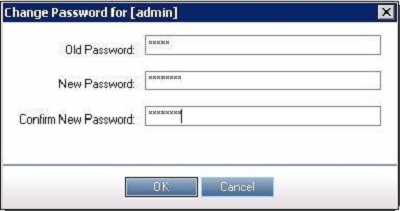
Users can also update their personal profile information and hit save.

qc_project_customization.htm

Advertisements