
Article Categories
- All Categories
-
 Data Structure
-
 Networking
-
 RDBMS
RDBMS
-
 Operating System
-
 Java
Java
-
 MS Excel
-
 iOS
iOS
-
 HTML
HTML
-
 CSS
CSS
-
 Android
-
 Python
-
 C Programming
-
 C++
C++
-
 C#
C#
-
 MongoDB
-
 MySQL
MySQL
-
 Javascript
-
 PHP
PHP
-
 Economics & Finance
Checking if a button is enabled or disabled in SAP Application
In SAP applications, determining whether a button is enabled or disabled is a common requirement for test automation and application validation. This functionality is essential when you need to verify the state of UI elements before performing actions on them.
Changeable Property Methods
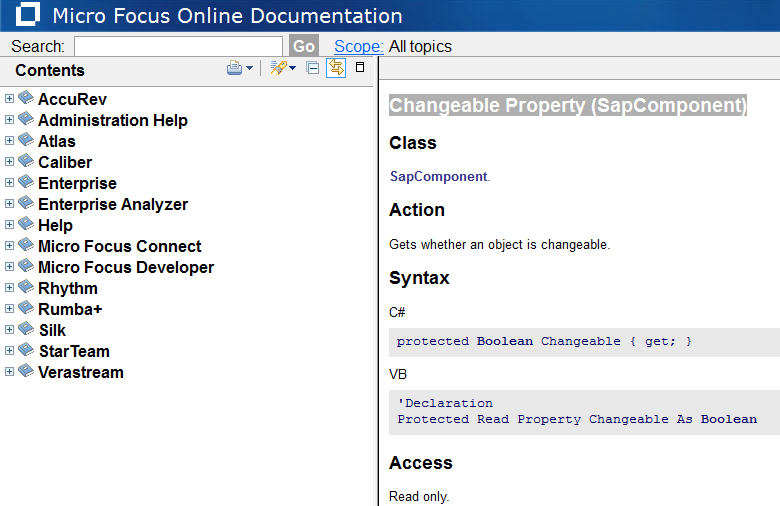
All the methods for checking button states come under the Changeable Property (SapComponent). These methods provide different ways to inspect the current state of SAP UI components, particularly buttons and other interactive elements.
For comprehensive details about all available methods, refer to the official documentation: Changeable Property Documentation
Common Methods for Button State Verification
The primary methods used to check if a button is enabled or disabled in SAP applications include ?
-
IsEnabled? Returns true if the button is enabled and can be clicked -
IsDisabled? Returns true if the button is disabled and cannot be interacted with -
GetProperty? Retrieves specific property values of the button component
Visual Reference
The following image illustrates the available methods and their usage in the SAP testing framework ?
Best Practices
When checking button states in SAP applications, always verify the component's availability before attempting to read its properties. This prevents errors when the UI element is not yet loaded or visible on the screen.
Conclusion
Using the Changeable Property methods in SAP applications provides reliable ways to verify button states, ensuring your automation scripts can make informed decisions based on the current UI state before performing actions.

338 Views
