
Article Categories
- All Categories
-
 Data Structure
-
 Networking
-
 RDBMS
RDBMS
-
 Operating System
-
 Java
Java
-
 MS Excel
-
 iOS
iOS
-
 HTML
HTML
-
 CSS
CSS
-
 Android
-
 Python
-
 C Programming
-
 C++
C++
-
 C#
C#
-
 MongoDB
-
 MySQL
MySQL
-
 Javascript
-
 PHP
PHP
-
 Economics & Finance
Selected Reading
Can Google Chrome be supported by Selenium IDE?
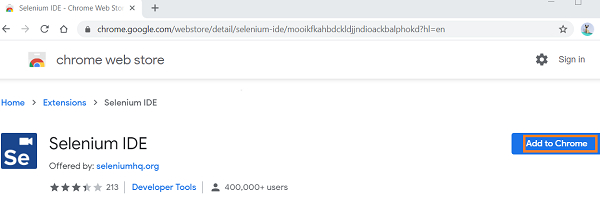
Initially Selenium IDE was used as a Firefox plugin. But the latest Selenium IDE version supports both Chrome and Firefox. For installation in Chrome, navigate to the below link −
ttps://chrome.google.com/webstore/detail/seleniumide/mooikfkahbdckldjjndioackbalphokd
Then click on Add to Chrome.
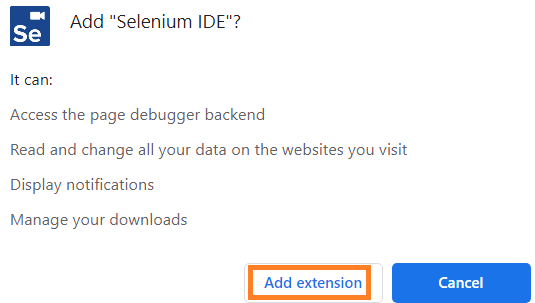
Click on Add extension.
Once installed, we shall get the below message as shown in the image −
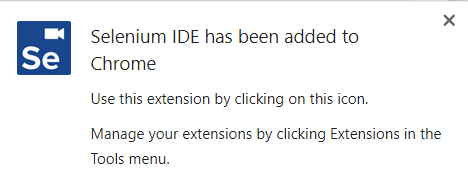
Also an icon gets created in the menu bar.

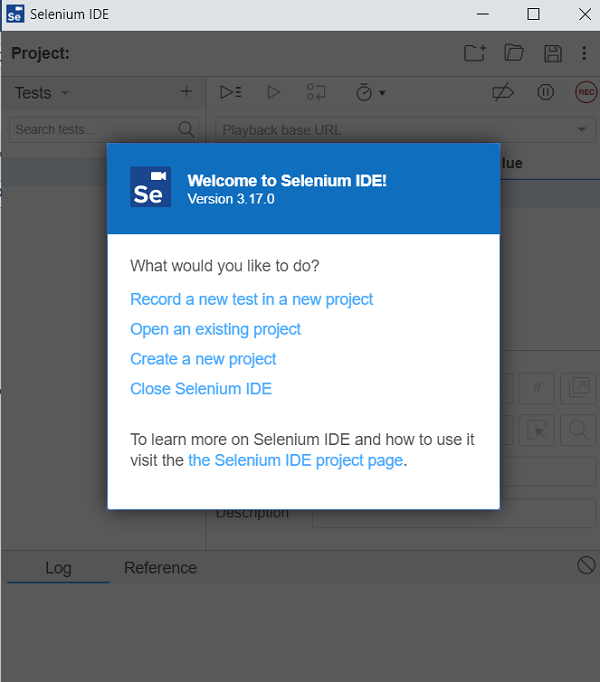
Click on that icon, and the Selenium IDE gets launched with the below welcome screen.

Updated on: 2021-02-02T12:31:11+05:30
609 Views

Advertisements