
Article Categories
- All Categories
-
 Data Structure
-
 Networking
-
 RDBMS
RDBMS
-
 Operating System
-
 Java
Java
-
 MS Excel
-
 iOS
iOS
-
 HTML
HTML
-
 CSS
CSS
-
 Android
-
 Python
-
 C Programming
-
 C++
C++
-
 C#
C#
-
 MongoDB
-
 MySQL
MySQL
-
 Javascript
-
 PHP
PHP
-
 Economics & Finance
Selected Reading
Adding a Page break/new page in SAP Script
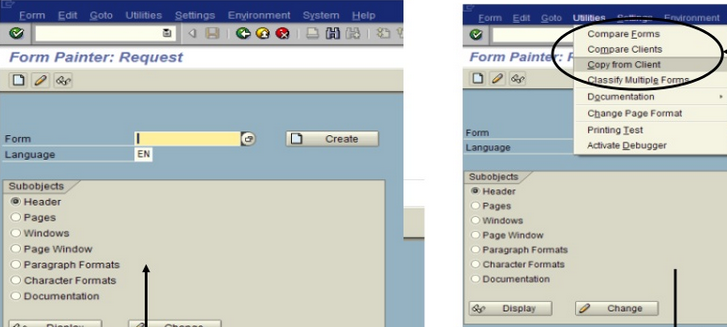
To add a new page, you can use Control command NEW-PAGE in Transaction SE71.
Syntax
NEW-PAGE [page_options] [ spool_options]
Effect
This statement creates a new page in the current list and writes the subsequent list output into a spool list.
In T-Code: SE38 Print Program, you can use Function Module CONTROL_FORM to call NEW-PAGE command as below −
CALL FUNCTION 'CONTROL_FORM'

EXPORTING

COMMAND = 'NEW-PAGE'

EXCEPTIONS

UNOPENED = 1

UNSTARTED = 2

OTHERS = 3.

Updated on: 2020-02-17T12:47:45+05:30
2K+ Views

Advertisements