
Article Categories
- All Categories
-
 Data Structure
-
 Networking
-
 RDBMS
RDBMS
-
 Operating System
-
 Java
Java
-
 MS Excel
-
 iOS
iOS
-
 HTML
HTML
-
 CSS
CSS
-
 Android
-
 Python
-
 C Programming
-
 C++
C++
-
 C#
C#
-
 MongoDB
-
 MySQL
MySQL
-
 Javascript
-
 PHP
PHP
-
 Economics & Finance
Selected Reading
Installing SAP Sybase client on Windows server 2012 R2
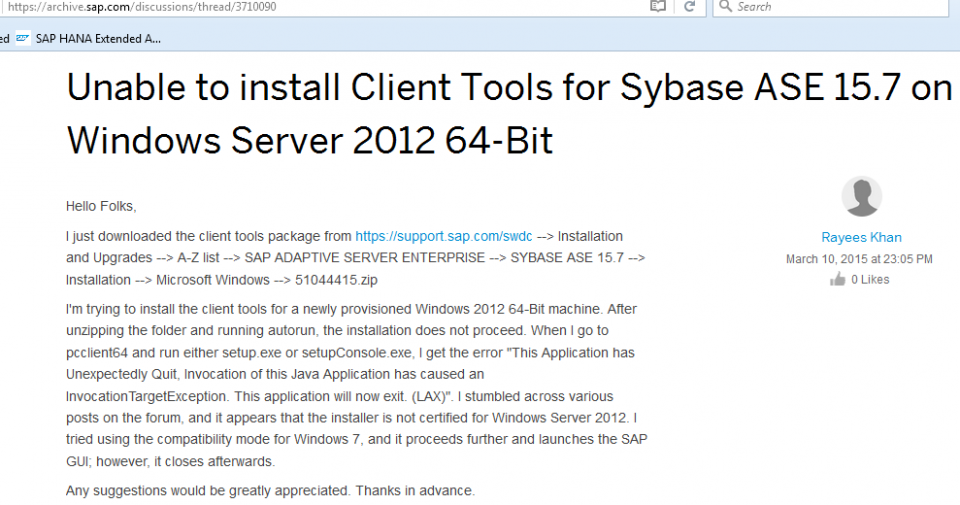
Try checking installer file again. I would recommend that you download it from SAP Market Place. Navigate to below path for getting installer file:
https://support.sap.com/swdc → Installation and Upgrades → A-Z list → search for SAP ADAPTIVE SERVER ENTERPRISE → SYBASE ASE 15.7 → Installation → Microsoft Windows → 51044415.zip
Also note that you need to have following before you proceed with installation:
Microsoft Visual C++ 2010 Redistributable Package (x64)
Microsoft Visual C++ 2005 Redistributable Package (x86)
Microsoft Visual C++ 2005 Redistributable Package (x64)
Check out this SAP thread:

Updated on: 2020-02-17T12:44:28+05:30
861 Views

Advertisements