- Neo4j CQL Write Clauses
- Neo4j - Merge Command
- Neo4j - Set Clause
- Neo4j - Delete Clause
- Neo4j - Remove Clause
- Neo4j - Foreach Clause
- Neo4j CQL Read Clause
- Neo4j - Match Clause
- Neo4j - Optional Match Clause
- Neo4j - Where Clause
- Neo4j - Count Function
- Neo4j CQL General Clauses
- Neo4j - Return Clause
- Neo4j - Order By Clause
- Neo4j - Limit Clause
- Neo4j - Skip Clause
- Neo4j - With Clause
- Neo4j - Unwind Clause
- Neo4j CQL Functions
- Neo4j - String Functions
- Neo4j - Aggregation Function
- Neo4j CQL Admin
- Neo4j - Backup & Restore
- Neo4j - Index
- Neo4j - Create Unique Constraint
- Neo4j - Drop Unique
- Neo4j Useful Resources
- Neo4j - Quick Guide
- Neo4j - Useful Resources
- Neo4j - Discussion
Neo4j - Exe Environment Setup
We can get Neo4j Server software in two formats -
Installer or exe file format
Zip file format
We will discuss both format installation process on Windows platforms.
In this chapter, we will discuss how to install Neo4j by using exe file. We will discuss Zip file installation steps in next chapter.
Neo4j Database Server setup with Windows exe file:
Download the latest Neo4j Server installation file from Neo4j website: http://www.neo4j.org/download
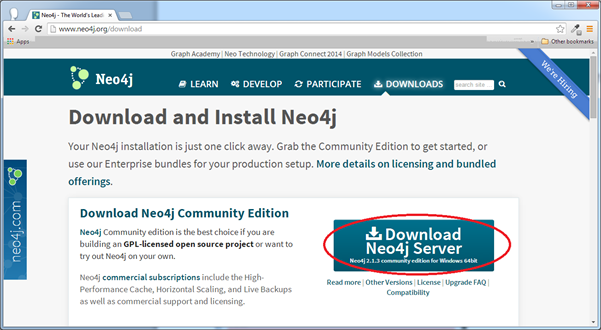
Click on highlighted button to download exe file into your disk space.
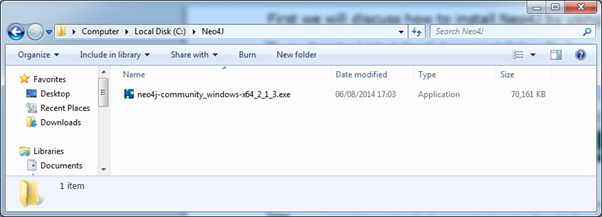
Double click on this exe file to install Neo4j Server

Click on Next button and accept Agreement.
Once installation is done successfully, please start Neo4j Server
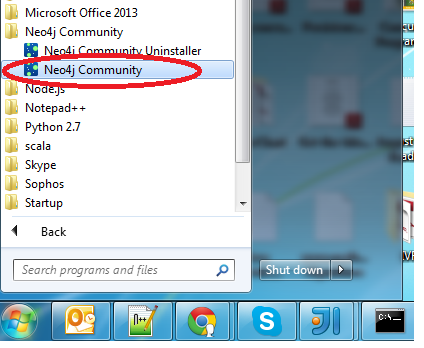
Click on "Neo4j Community" as shown below
Windows "Star" button >> "All Programs" >> "Neo4j Community" >> "Neo4j Community"
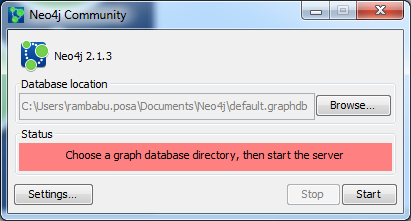
By default, it selects c:\Users\[username]\Documents\Neo4j\default.graphdb. If you want you can change your path to different directory.
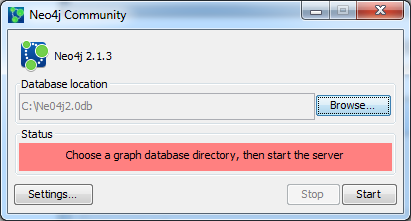
Click on "Start" button.
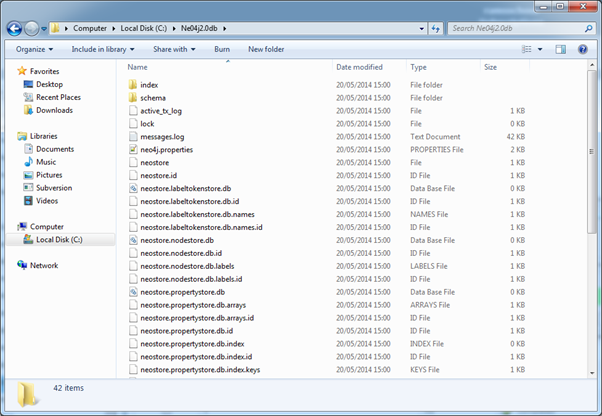
Once the server is started, we can observe many files are generated at specified directory
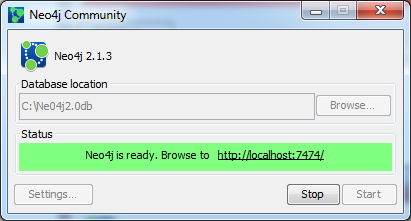
Access Neo4j by using http://localhost:7474/