
Article Categories
- All Categories
-
 Data Structure
-
 Networking
-
 RDBMS
RDBMS
-
 Operating System
-
 Java
Java
-
 MS Excel
-
 iOS
iOS
-
 HTML
HTML
-
 CSS
CSS
-
 Android
-
 Python
-
 C Programming
-
 C++
C++
-
 C#
C#
-
 MongoDB
-
 MySQL
MySQL
-
 Javascript
-
 PHP
PHP
-
 Economics & Finance
Creating a Sky shader in React using React-Three-Fiber
In this article, we will see how to create a Sky shader in React JS using React-Three-Fiber. It will appear to look like original sky and it is really a great effect. Three.js is a cross-browser JavaScript library and application programming interface used to create and display animated 3D computer graphics in a web browser using WebGL
Example
First install the following packages −
npm i --save @react-three/fiber
npm i --save @react-three/drei
react-three/fiber will be used as an intermediate between threejs and React.js and drei will be used to implement premade optimizable sky effect in it.
Now, insert the following piece of code in App.js −
import React from "react";
import { Canvas } from "react-three-fiber";
import { Sky } from "@react-three/drei";

export default function App(props) {
   return (
      <Canvas>
         <Sky
             distance={450000}
             sunPosition={[5, 1, 8]}
             inclination={0}
             azimuth={0.25}
             {...props}
         />
      </Canvas>
   );
}
Explanation
Here we simply created a Canvas inside which we created the
It is very simple, try to tweak its arguments, sunposition, distance, inclination, etc., to see different types of effects. On changing the arguments, you will see different effects.
Output
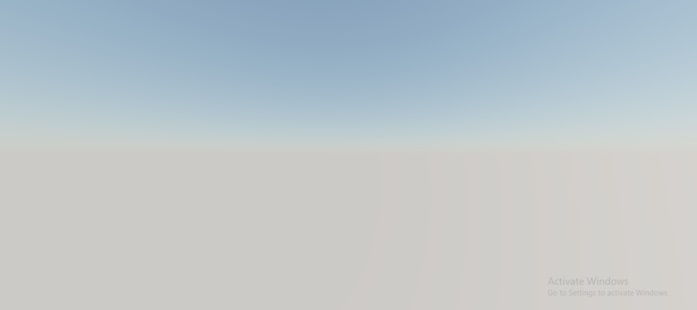
It will produce the following output −

2K+ Views
