
Article Categories
- All Categories
-
 Data Structure
-
 Networking
-
 RDBMS
RDBMS
-
 Operating System
-
 Java
Java
-
 MS Excel
-
 iOS
iOS
-
 HTML
HTML
-
 CSS
CSS
-
 Android
-
 Python
-
 C Programming
-
 C++
C++
-
 C#
C#
-
 MongoDB
-
 MySQL
MySQL
-
 Javascript
-
 PHP
PHP
-
 Economics & Finance
Selected Reading
Deleting BOM component in SAP
In order to delete a component of BOM, you can use transaction 'CS02'. CS02 is referred as Change Material BOM. It is further classified within the Logistics - General module.
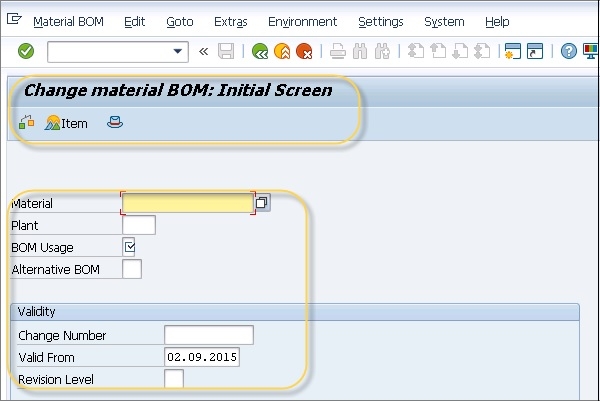
- Module: Logistics-General
- Application Component - Bills of Material
- Package: CS
- Package Description: R/3 Application development: PP Bills of Material.
But if you require deleting more than one BOM component then you can use LSMW script.
- Method: 0002 Change
- Program Name : RCDBI020
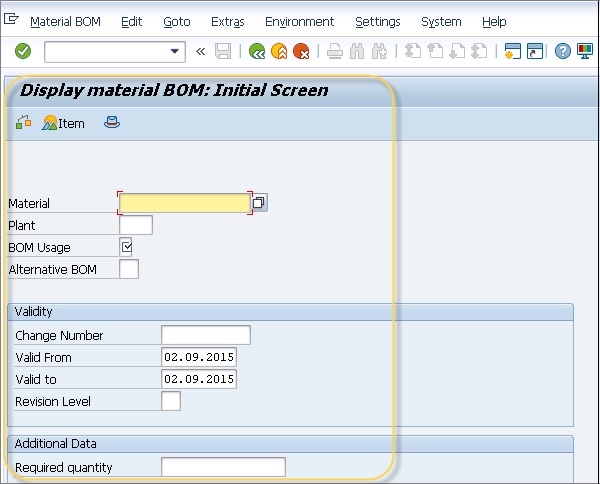
Once you have deleted the components if you want to verify the deletion and view the deleted components. You can view them under Change documents in a CS03 transaction. You need to check various tables like CDPOS, CDHDR to look for entries of deleted components.

Updated on: 2019-07-30T22:30:20+05:30
3K+ Views

Advertisements