
Article Categories
- All Categories
-
 Data Structure
-
 Networking
-
 RDBMS
RDBMS
-
 Operating System
-
 Java
Java
-
 MS Excel
-
 iOS
iOS
-
 HTML
HTML
-
 CSS
CSS
-
 Android
-
 Python
-
 C Programming
-
 C++
C++
-
 C#
C#
-
 MongoDB
-
 MySQL
MySQL
-
 Javascript
-
 PHP
PHP
-
 Economics & Finance
Python ñ Facial and hand recognition using MediaPipe Holistic
MediaPipe is a cross-platform open-source Machine Learning framework for creating sophisticated multimodal applied machine learning pipelines. It provides cutting-edge ML models for face detection, multi-hand tracking, object detection, and pose estimation. This article demonstrates how to perform full-body pose estimation using MediaPipe Holistic, which detects facial landmarks, hand positions, and body poses simultaneously.
Installing and Importing Libraries
We need MediaPipe for the holistic model and OpenCV for image processing.
!pip install mediapipe opencv-python

import mediapipe as mp
import cv2
import urllib.request
import numpy as np
MediaPipe Setup
First, we import the drawing utilities and holistic model from MediaPipe solutions. The drawing utilities help us visualize the detected landmarks on the image.
import mediapipe as mp
import cv2
import urllib.request
import numpy as np

# Initialize MediaPipe utilities
mp_drawing = mp.solutions.drawing_utils
mp_holistic = mp.solutions.holistic
Loading an Image
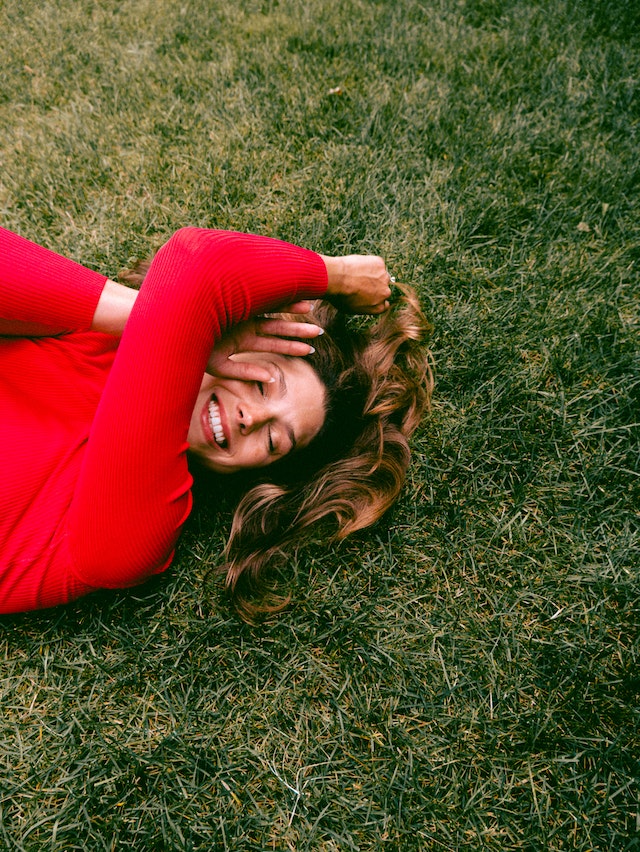
For demonstration, we'll download and load a sample image. In practice, you can use any image file or capture from a webcam.
# Download a sample image
url = 'https://images.unsplash.com/photo-1594736797933-d0401ba2fe65?w=400'
urllib.request.urlretrieve(url, 'person.jpg')

# Load the image
image = cv2.imread('person.jpg')
print(f"Image shape: {image.shape}")
Image shape: (400, 267, 3)
Detecting Landmarks
We initialize the holistic model with specific parameters and process the image to detect landmarks for face, pose, and hands.
# Initialize holistic model
with mp_holistic.Holistic(
    static_image_mode=True,
    model_complexity=2,
    enable_segmentation=True,
    refine_face_landmarks=True
) as holistic:

    # Convert BGR to RGB (MediaPipe uses RGB)
    image_rgb = cv2.cvtColor(image, cv2.COLOR_BGR2RGB)

    # Process the image
    results = holistic.process(image_rgb)

    # Convert back to BGR for drawing
    image_bgr = cv2.cvtColor(image_rgb, cv2.COLOR_RGB2BGR)

    # Draw face landmarks
    if results.face_landmarks:
        mp_drawing.draw_landmarks(
            image_bgr, results.face_landmarks, mp_holistic.FACEMESH_CONTOURS
        )

    # Draw pose landmarks
    if results.pose_landmarks:
        mp_drawing.draw_landmarks(
            image_bgr, results.pose_landmarks, mp_holistic.POSE_CONNECTIONS
        )

    # Draw left hand landmarks
    if results.left_hand_landmarks:
        mp_drawing.draw_landmarks(
            image_bgr, results.left_hand_landmarks, mp_holistic.HAND_CONNECTIONS
        )

    # Draw right hand landmarks
    if results.right_hand_landmarks:
        mp_drawing.draw_landmarks(
            image_bgr, results.right_hand_landmarks, mp_holistic.HAND_CONNECTIONS
        )

    print("Landmark detection completed!")
Landmark detection completed!
Accessing Landmark Coordinates
You can extract specific landmark coordinates for further analysis or applications.
# Example: Get nose tip coordinates (face landmark 1)
if results.face_landmarks:
    nose_tip = results.face_landmarks.landmark[1]
    print(f"Nose tip: x={nose_tip.x:.3f}, y={nose_tip.y:.3f}")

# Example: Get wrist coordinates (pose landmarks 15 and 16)
if results.pose_landmarks:
    left_wrist = results.pose_landmarks.landmark[15]
    right_wrist = results.pose_landmarks.landmark[16]
    print(f"Left wrist: x={left_wrist.x:.3f}, y={left_wrist.y:.3f}")
    print(f"Right wrist: x={right_wrist.x:.3f}, y={right_wrist.y:.3f}")
Nose tip: x=0.498, y=0.235
Left wrist: x=0.671, y=0.678
Right wrist: x=0.329, y=0.678
Key Parameters
| Parameter | Description | Default |
|---|---|---|
static_image_mode |
True for static images, False for video | False |
model_complexity |
Model accuracy: 0 (lite), 1 (full), 2 (heavy) | 1 |
enable_segmentation |
Generate segmentation mask | False |
refine_face_landmarks |
Refine face landmarks around eyes and lips | False |
Real-time Video Processing
For webcam processing, set static_image_mode=False and process each frame in a loop.
# Example structure for video processing
cap = cv2.VideoCapture(0)

with mp_holistic.Holistic(
    min_detection_confidence=0.5,
    min_tracking_confidence=0.5
) as holistic:

    while cap.isOpened():
        ret, frame = cap.read()
        if not ret:
            break

        # Process frame
        rgb_frame = cv2.cvtColor(frame, cv2.COLOR_BGR2RGB)
        results = holistic.process(rgb_frame)

        # Draw landmarks
        # ... drawing code here ...

        cv2.imshow('MediaPipe Holistic', frame)
        if cv2.waitKey(5) & 0xFF == 27:  # ESC key
            break

cap.release()
cv2.destroyAllWindows()
Conclusion
MediaPipe Holistic provides a comprehensive solution for detecting face, pose, and hand landmarks simultaneously. The model works well for both static images and real-time video streams, making it suitable for applications like fitness tracking, gesture recognition, and augmented reality.
1K+ Views
