
Article Categories
- All Categories
-
 Data Structure
-
 Networking
-
 RDBMS
RDBMS
-
 Operating System
-
 Java
Java
-
 MS Excel
-
 iOS
iOS
-
 HTML
HTML
-
 CSS
CSS
-
 Android
-
 Python
-
 C Programming
-
 C++
C++
-
 C#
C#
-
 MongoDB
-
 MySQL
MySQL
-
 Javascript
-
 PHP
PHP
-
 Economics & Finance
Selected Reading
Match the style of element while performing paste - jQuery?
For this, use <pre> tag. Set it to contenteditable −
<pre id="data" contenteditable></pre>
We have set the following style for paste −
<style>
   pre {
      min-height: 150px;
      min-width: 300px;
      font-family: 'Times New Roman', Times, serif;
      white-space: pre;
      background-color: rgb(19, 22, 27);
      color: #98d8e7;
   }
</style>
Now, you can use paste event listener −
var getTheData = document.getElementById('data');
getTheData.addEventListener('paste', PutTheDataOnEditor);
Example
Following is the code −
<!DOCTYPE html>
<html lang="en">
<head>
   <meta charset="UTF-8">
   <meta name="viewport" content="width=device-width, initial-scale=1.0">
   <title>Document</title>
</head>
<link rel="stylesheet" href="//code.jquery.com/ui/1.12.1/themes/base/jquery-ui.css">
<script src="https://code.jquery.com/jquery-1.12.4.js"></script>
<script src="https://code.jquery.com/ui/1.12.1/jquery-ui.js"></script>
<style>
pre {
   min-height: 150px;
   min-width: 300px;
   font-family: 'Times New Roman', Times, serif;
   white-space: pre;
   background-color: rgb(19, 22, 27);
   color: #98d8e7;
  }
</style>
<body>
   <pre id="data" contenteditable></pre>
</body>
<script>
   function PutTheDataOnEditor(event) {
      event.preventDefault();
      const textData = event.clipboardData.getData("text");
      event.target.innerHTML = textData;
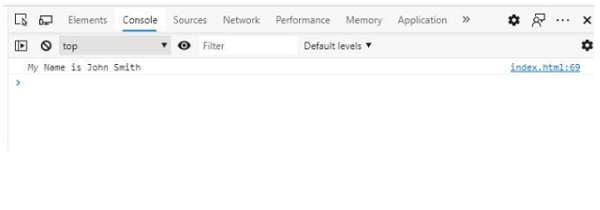
      console.log(textData);
   }
var getTheData = document.getElementById('data');
getTheData.addEventListener('paste', PutTheDataOnEditor);
</script>
</html>
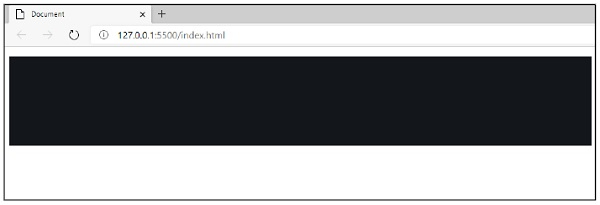
Output
The output is as follows −
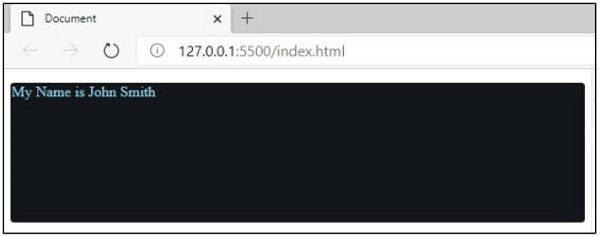
Now, I am going to copy and paste some value from notepad to this editor.
Output
The output is as follows −
Output
The output is as follows −

Updated on: 2026-03-11T22:50:52+05:30
240 Views

Advertisements