
Article Categories
- All Categories
-
 Data Structure
-
 Networking
-
 RDBMS
RDBMS
-
 Operating System
-
 Java
Java
-
 MS Excel
-
 iOS
iOS
-
 HTML
HTML
-
 CSS
CSS
-
 Android
-
 Python
-
 C Programming
-
 C++
C++
-
 C#
C#
-
 MongoDB
-
 MySQL
MySQL
-
 Javascript
-
 PHP
PHP
-
 Economics & Finance
Selected Reading
jQuery dequeue() with Examples
The dequeue() method in jQuery is used to remove the next function from the queue and then execute the function.
Syntax
The syntax is as follows −
$(selector).dequeue(queue)
Above, the queue is the name of the queue.
Example
Let us now see an example to implement the jQuery dequeue() method −
<!DOCTYPE html>
<html>
<head>
<script src="https://ajax.googleapis.com/ajax/libs/jquery/3.4.1/jquery.min.js"></script>
<script>
   $(document).ready(function(){
      $("button").click(function(){
         var div = $("div");
         div.animate({height: 250}, "slow");
         div.animate({left: "+=200",top: "+=100" }, "slow");
         div.queue(function(){
            div.dequeue();
         });
         div.animate({height: 150}, "slow");
         div.animate({left: "10",top: "100" }, "slow");
      });
   });
</script>
<style>
div {
   width:150px;
   height:150px;
   position:absolute;
   left:10px;
   top:100px;
   background-color:orange;
}
</style>
</head>
<body>
<button>Begin</button>
<div></div>
</body>
</html>
Output
This will produce the following output −
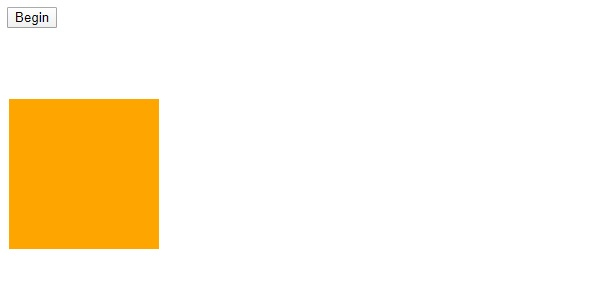
Now, click “Begin” −
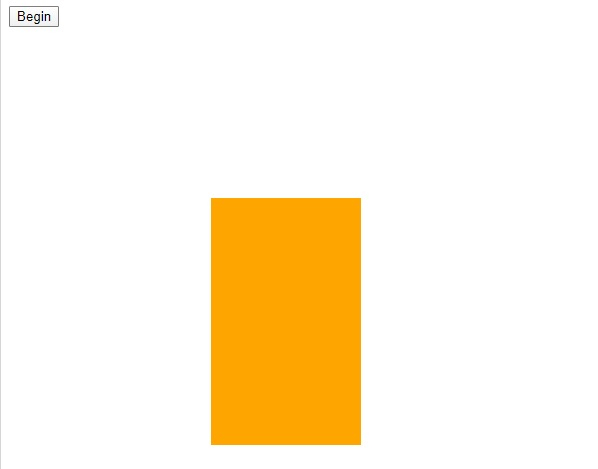
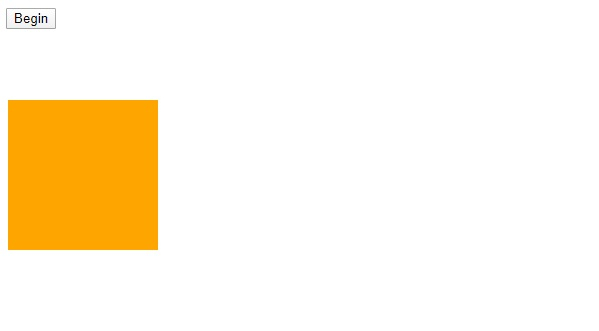
Now, since we have used dequeue in a way, the animation looks like the initial formation −

Updated on: 2026-03-11T22:50:47+05:30
370 Views

Advertisements