
Article Categories
- All Categories
-
 Data Structure
-
 Networking
-
 RDBMS
RDBMS
-
 Operating System
-
 Java
Java
-
 MS Excel
-
 iOS
iOS
-
 HTML
HTML
-
 CSS
CSS
-
 Android
-
 Python
-
 C Programming
-
 C++
C++
-
 C#
C#
-
 MongoDB
-
 MySQL
MySQL
-
 Javascript
-
 PHP
PHP
-
 Economics & Finance
How to create a 90-degree arc in R?
To create a 90-degree arc in R, we can use draw.arc function of plotrix package where we can use deg2 argument. Since, a 90-degree can be drawn in four ways; we need to pass the degree depending on the position of the arc we want to display.
Check out an Example explained below.
Example
To create a 90-degree arc in R, add the following code −
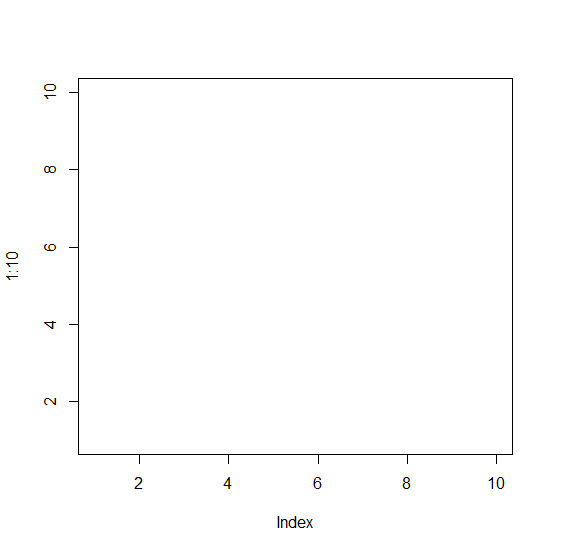
plot(1:10,type="n")
Output
If you execute the above given snippet, it generates the following Output −
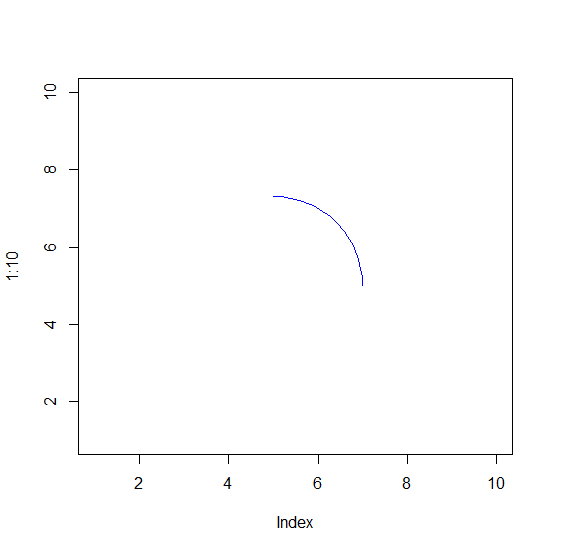
To create a 90-degree arc in R, add the following code to the above snippet −
plot(1:10,type="n")
draw.arc(5,5,2,deg2=90,col="blue")
Output
If you execute all the above given snippets as a single program, it generates the following Output −
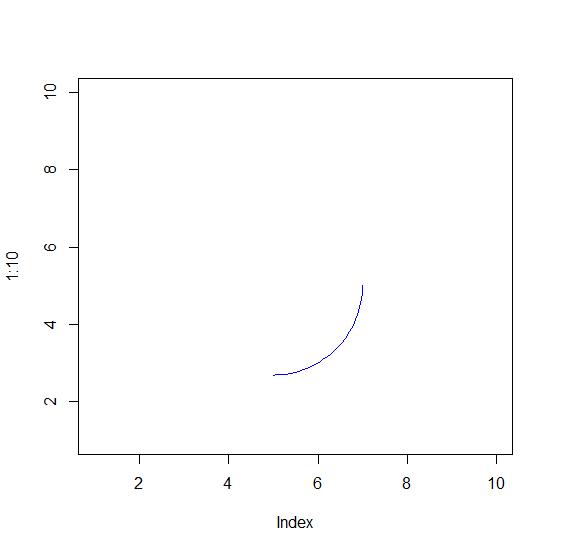
To create a 90-degree arc in R, add the following code to the above snippet −
plot(1:10,type="n")
draw.arc(5,5,2,deg2=-90,col="blue")
Output
If you execute all the above given snippets as a single program, it generates the following Output −
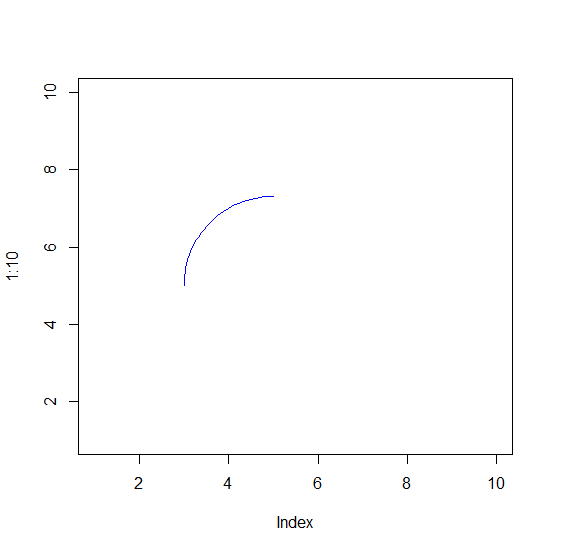
To create a 90-degree arc in R, add the following code to the above snippet −
plot(1:10,type="n")
draw.arc(5,5,2,deg1=90,deg2=180,col="blue")
Output
If you execute all the above given snippets as a single program, it generates the following Output −

460 Views
