
Article Categories
- All Categories
-
 Data Structure
-
 Networking
-
 RDBMS
RDBMS
-
 Operating System
-
 Java
Java
-
 MS Excel
-
 iOS
iOS
-
 HTML
HTML
-
 CSS
CSS
-
 Android
-
 Python
-
 C Programming
-
 C++
C++
-
 C#
C#
-
 MongoDB
-
 MySQL
MySQL
-
 Javascript
-
 PHP
PHP
-
 Economics & Finance
Selected Reading
How can I delete an element in Selenium using Python?
We can delete an element in Selenium webdriver using Python with the help of JavaScript Executor. Selenium is not capable of modifying the structure of DOM directly.
It has the feature of injecting JavaScript into the webpage and changing the DOM with the help execute_script method. The JavaScript command to be used is passed as a parameter to this method.
JavaScript command to delete an element is −
var l = document.getElementsByClassName("tp-logo")[0];
l.parentNode.removeChild(l);
The above script is to be passed as a parameter to the execute_script method.
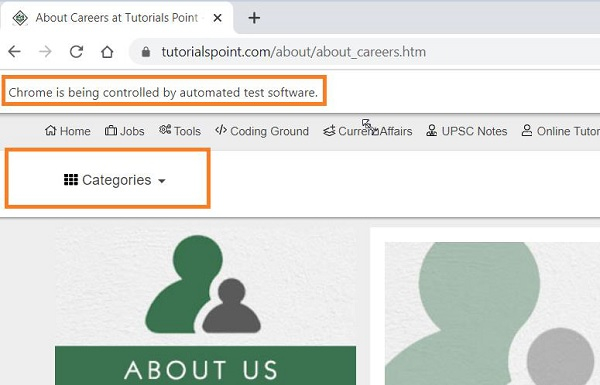
Let us try to remove the highlighted logo from the below page −

Example
from selenium import webdriver
#set chromodriver.exe path
driver = webdriver.Chrome(executable_path="C:\chromedriver.exe")
#implicit wait
driver.implicitly_wait(0.5)
#maximize browser
driver.maximize_window()
#launch URL
driver.get("https://www.tutorialspoint.com/about/about_careers.htm")
#delete element with JavaScript Executor
driver.execute_script("""
   var l = document.getElementsByClassName("tp-logo")[0];
   l.parentNode.removeChild(l);
""")
Output

Updated on: 2021-04-07T08:30:25+05:30
8K+ Views

Advertisements