
Article Categories
- All Categories
-
 Data Structure
-
 Networking
-
 RDBMS
RDBMS
-
 Operating System
-
 Java
Java
-
 MS Excel
-
 iOS
iOS
-
 HTML
HTML
-
 CSS
CSS
-
 Android
-
 Python
-
 C Programming
-
 C++
C++
-
 C#
C#
-
 MongoDB
-
 MySQL
MySQL
-
 Javascript
-
 PHP
PHP
-
 Economics & Finance
Selected Reading
Fill username and password using selenium in python.
We can fill username and password fields in a login page with Selenium. This is considered an authentication step for any application. Once the username and password is entered, we have to click the login button.
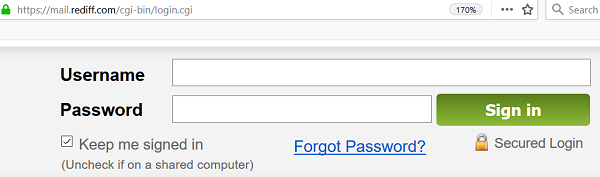
Example
Code Implementation.
import time
from selenium import webdriver
driver = webdriver.Chrome (executable_path="C:\chromedriver.exe")
driver.get("https://mail.rediff.com/cgi-bin/login.cgi")
# identify username, password and signin elements
driver.find_element_by_name("login").send_keys("tutorialspoint")
time.sleep(0.2)
driver.find_element_by_name("passwd").send_keys("pass123")
time.sleep(0.4)
driver.find_element_by_class_name("signinbtn").click()
driver.close
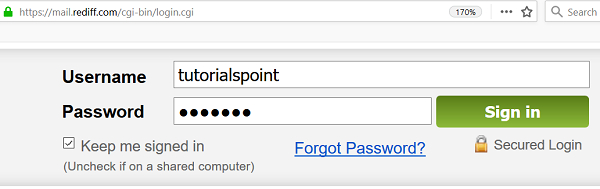
If a valid username and password is provided, we shall be directed to the home page of the application.
Output

Updated on: 2020-08-28T06:32:40+05:30
3K+ Views

Advertisements