
Article Categories
- All Categories
-
 Data Structure
-
 Networking
-
 RDBMS
RDBMS
-
 Operating System
-
 Java
Java
-
 MS Excel
-
 iOS
iOS
-
 HTML
HTML
-
 CSS
CSS
-
 Android
-
 Python
-
 C Programming
-
 C++
C++
-
 C#
C#
-
 MongoDB
-
 MySQL
MySQL
-
 Javascript
-
 PHP
PHP
-
 Economics & Finance
Connecting to SAP HANA using odbc_connect() on PHP
The error you are getting is because there are no ODBC drivers installed for your PHP client. You would require downloading the appropriate drivers to establish a connection with SAP HANA database.
Installing ODBC Drivers for SAP HANA
Following steps can be performed to download and install the drivers ?
-
Download the drivers from https://www.easysoft.com/cgi-bin/account/login.cgi after registration or alternatively check the ODBC-ODBC Bridge Client platforms at http://www.easysoft.com/products/data_access/odbc_odbc_bridge/index.html#platforms. This allows you to access drivers on a remote machine.
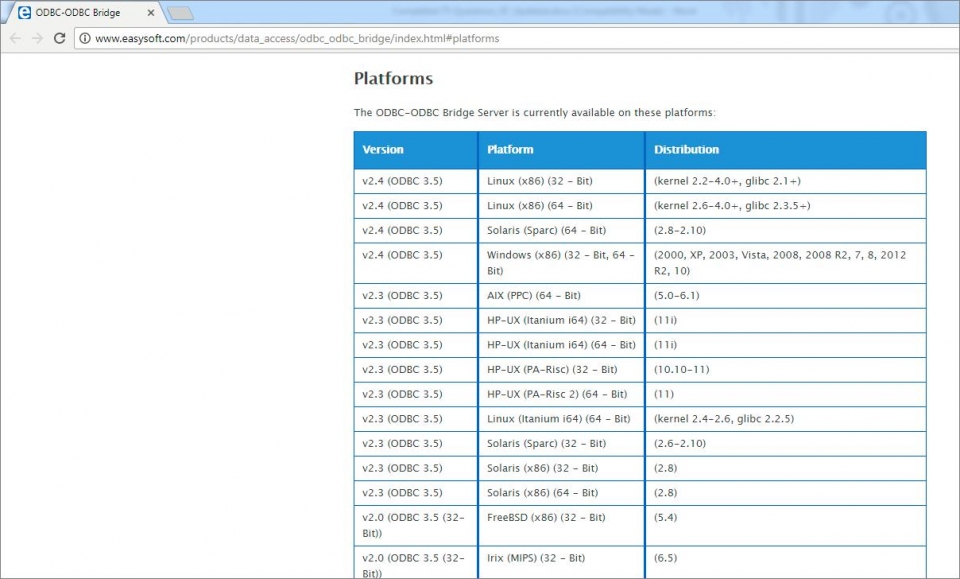
-
Install the drivers on the machine where PHP is installed.
-
Configure environment variables by referring to instructions at https://www.easysoft.com/products/data_access/odbc-sql-server-driver/manual/sql-server-toc.html to check what values need to be set up for
LD_LIBRARY_PATH,LIBPATH,LD_RUN_PATH,SHLIB_PATHdepending on the driver, platform and linker.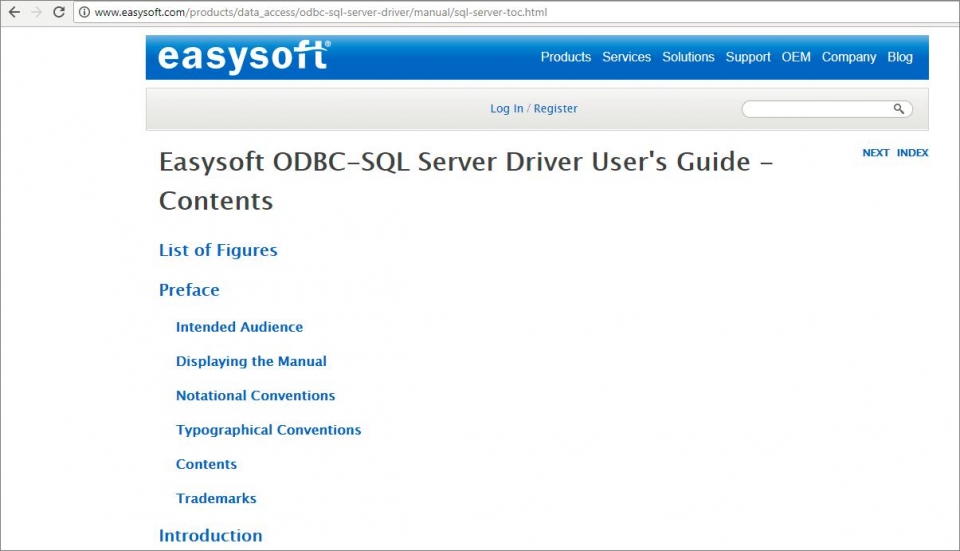
Example Connection
Once the drivers are installed and configured, you can connect to SAP HANA using odbc_connect() function ?
<?php
$dsn = "DRIVER={HDBODBC};SERVERNODE=hostname:30015;DATABASE=HDB";
$username = "your_username";
$password = "your_password";

$connection = odbc_connect($dsn, $username, $password);

if ($connection) {
    echo "Connected to SAP HANA successfully!";
    odbc_close($connection);
} else {
    echo "Connection failed: " . odbc_errormsg();
}
?>
Conclusion
Installing proper ODBC drivers is essential for PHP to communicate with SAP HANA database. Once configured correctly with appropriate environment variables, you can successfully use odbc_connect() to establish database connections.

979 Views
