
Article Categories
- All Categories
-
 Data Structure
-
 Networking
-
 RDBMS
RDBMS
-
 Operating System
-
 Java
Java
-
 MS Excel
-
 iOS
iOS
-
 HTML
HTML
-
 CSS
CSS
-
 Android
-
 Python
-
 C Programming
-
 C++
C++
-
 C#
C#
-
 MongoDB
-
 MySQL
MySQL
-
 Javascript
-
 PHP
PHP
-
 Economics & Finance
Accessing SAP Web Dynpro page within an application using NSURL
When accessing SAP Web Dynpro pages within an iOS application using NSURL, you need to pass a proper browser identification string. Without this identification, the Web Dynpro application won't recognize the browser and will display an error message.
Setting Up NSURL Request
The browser identification is typically set through the User-Agent header in your URL request. This tells the SAP Web Dynpro application what type of browser is making the request.
Example
Here's how to properly configure an NSURL request with browser identification ?
// Create the URL for your SAP Web Dynpro application
let webDynproURL = URL(string: "https://your-sap-server.com/webdynpro/dispatcher/...")

// Create a mutable URL request
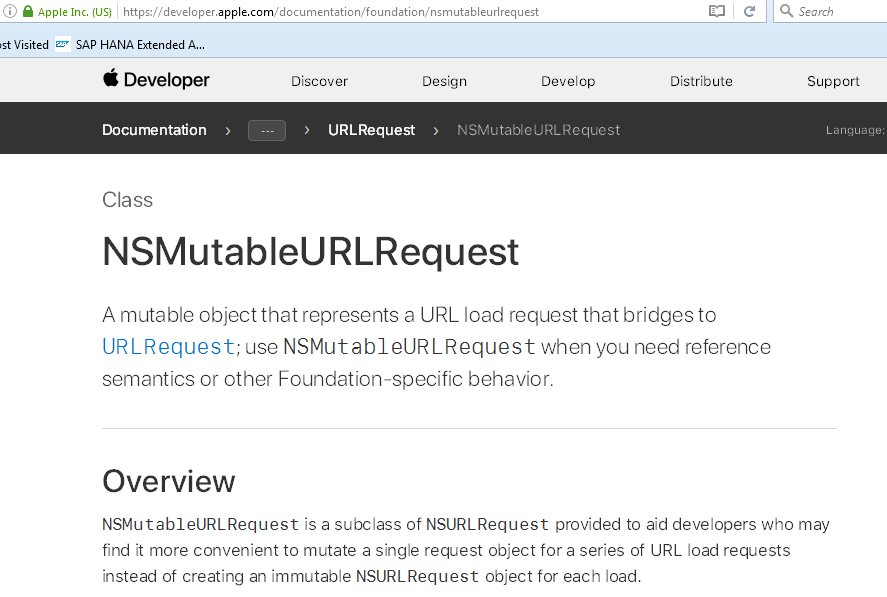
let request = NSMutableURLRequest(url: webDynproURL!)

// Set the User-Agent header to identify the browser
request.setValue("Mozilla/5.0 (iPhone; CPU iPhone OS 14_0 like Mac OS X) AppleWebKit/605.1.15",
                forHTTPHeaderField: "User-Agent")

// Set other required headers if needed
request.setValue("application/json", forHTTPHeaderField: "Accept")
Additional Configuration
For complete compatibility with SAP Web Dynpro applications, you may also need to configure additional headers such as Accept-Language and Accept-Encoding depending on your specific requirements.
You can refer to the Apple NSURL documentation for more details on configuring URL requests.
Conclusion
Properly setting the User-Agent header in your NSURL request is essential for SAP Web Dynpro applications to recognize and process requests from iOS applications successfully.

236 Views
