Gerrit - Add SSH Key to your Gerrit Account
Advertisements
Description
The SSH key can be added to the Gerrit account by using below points:
-
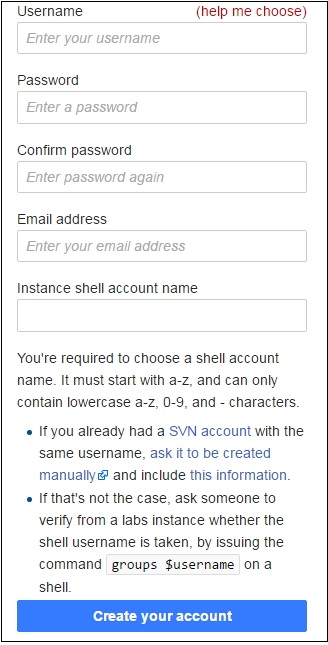
First create an account at wmflabs.org services.
-
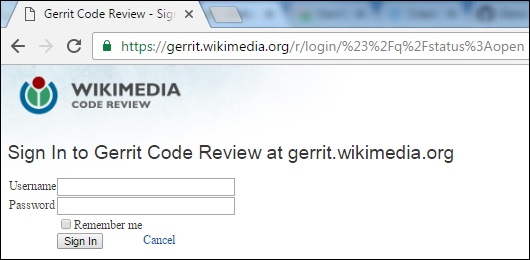
Next sign in to the web interface for Gerrit.
-
Next in the top right corner, click on your username and selct the Settings option.
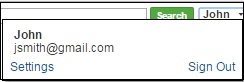
Here, we have created one account with name John to make use of Gerrit.
-
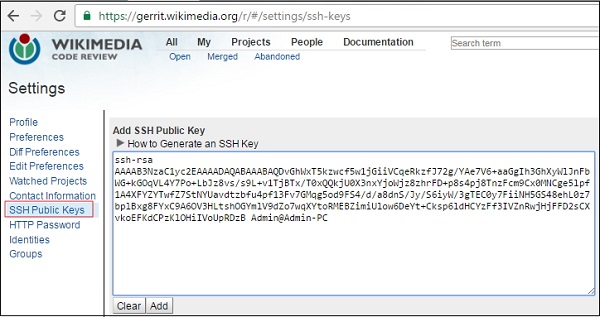
Then click on the "SSH Public keys" option on the left side menu and paste the SSH Public key in the field.