
Article Categories
- All Categories
-
 Data Structure
-
 Networking
-
 RDBMS
RDBMS
-
 Operating System
-
 Java
Java
-
 MS Excel
-
 iOS
iOS
-
 HTML
HTML
-
 CSS
CSS
-
 Android
-
 Python
-
 C Programming
-
 C++
C++
-
 C#
C#
-
 MongoDB
-
 MySQL
MySQL
-
 Javascript
-
 PHP
PHP
-
 Economics & Finance
Selected Reading
ReactJS – Fragments
While building a ReactJS application, all the JSX code needed to be wrapped down inside a parent tag.
ReactJS Fragments were introduced with React 16.2 version to remove the need to define an extra
tag which also takes extra memory.
Without Fragments
The following sample code shows how to create a simple React application without React Fragments.
Example
App.jsx
import React from 'react';

class App extends React.Component {
   render() {
      return (
         <div>
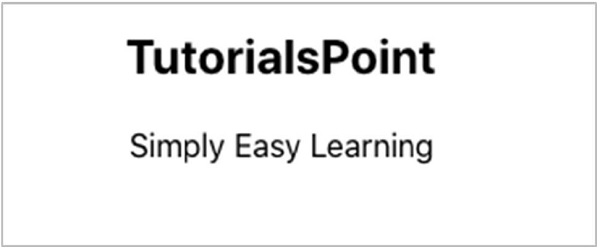
            <h2>TutorialsPoint</h2>
            <p>Simply Easy Learning</p>
         </div>
      );
   }
}
export default App;
Output

Using Fragments
In the above example, we have to use an extra
tag to wrap the children JSX elements. So with ReactJS 16.2 version, we will use the React.Fragment which will remove the need to use an extraneous
tag.
Example
App.jsx
import React from 'react';

class App extends React.Component {
   render() {
      return (
         <React.Fragment>
            <h2>TutorialsPoint</h2>
            <p>Simply Easy Learning</p>
         </React.Fragment>
      );
   }
}
export default App;
Output

Shorthand of Fragment
We can also use , instead of React.Fragment but this shorthand syntax does not accept key attributes.
Example
import React from 'react';

class App extends React.Component {
   render() {
      return (
         <>
            <h2>TutorialsPoint</h2>
            <p>Simply Easy Learning</p>
         </>
      );
   }
}
export default App;
Output

Updated on: 2021-03-18T11:23:38+05:30
628 Views

Advertisements