
Article Categories
- All Categories
-
 Data Structure
-
 Networking
-
 RDBMS
RDBMS
-
 Operating System
-
 Java
Java
-
 MS Excel
-
 iOS
iOS
-
 HTML
HTML
-
 CSS
CSS
-
 Android
-
 Python
-
 C Programming
-
 C++
C++
-
 C#
C#
-
 MongoDB
-
 MySQL
MySQL
-
 Javascript
-
 PHP
PHP
-
 Economics & Finance
Linking ABAP Dynpro screen elements to program variables
You can make the connection between ABAP Dynpro screen elements and program variables by using the name of Global variables. A Global variable can be defined by using this code ?
DATA matnr TYPE MATNR.
This creates a global variable matnr of type MATNR. You can also define DDIC structure or table references using the TABLES statement ?
TABLES: MARA.
Once you have declared the table or structure, you can reference the fields of table/structure MARA in the Screen Painter. The screen elements will automatically link to the corresponding program variables when they share the same name.
Using Screen Painter Dictionary Reference
One of the most useful features of the screen painter is the ability to choose dictionary/program fields directly. This can be done by pressing "F6" while in the Screen Painter, which opens the dictionary/program fields selection dialog.
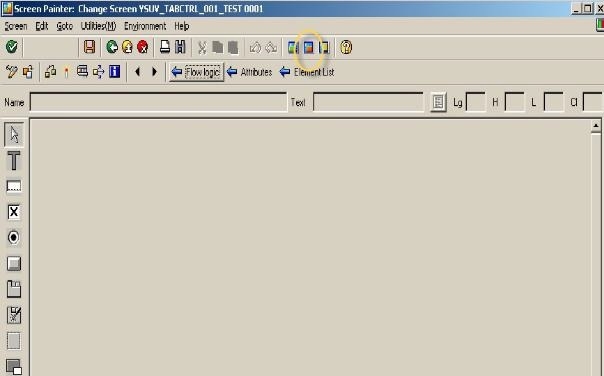
When you select fields using F6, the Screen Painter automatically ?
- Sets the correct field name to match your program variable
- Applies appropriate field attributes from the data dictionary
- Establishes the link between screen element and program variable
Conclusion
Linking ABAP Dynpro screen elements to program variables is accomplished through matching variable names and using the Screen Painter's dictionary reference feature (F6) for automatic field selection and linking.

870 Views
