
Article Categories
- All Categories
-
 Data Structure
-
 Networking
-
 RDBMS
RDBMS
-
 Operating System
-
 Java
Java
-
 MS Excel
-
 iOS
iOS
-
 HTML
HTML
-
 CSS
CSS
-
 Android
-
 Python
-
 C Programming
-
 C++
C++
-
 C#
C#
-
 MongoDB
-
 MySQL
MySQL
-
 Javascript
-
 PHP
PHP
-
 Economics & Finance
Selected Reading
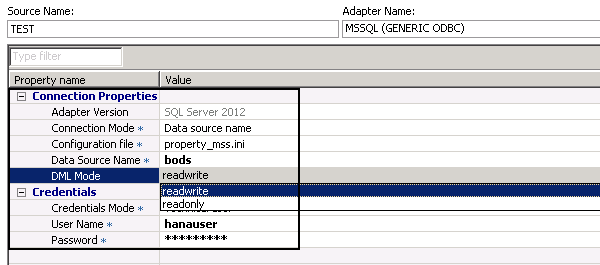
Information required adding a new remote data source in SAP HANA SDA
Select the system that you want to access as Remote Data Source and enter the authentication details. You have to enter the Connection Properties and Credentials for remote system.
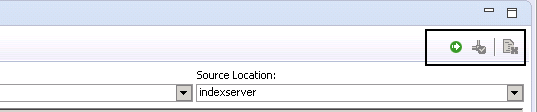
On right hand side, you have option to Test the Connection or you can also run to create the data source.

Updated on: 2020-02-24T09:20:07+05:30
579 Views

Advertisements