
Article Categories
- All Categories
-
 Data Structure
-
 Networking
-
 RDBMS
RDBMS
-
 Operating System
-
 Java
Java
-
 MS Excel
-
 iOS
iOS
-
 HTML
HTML
-
 CSS
CSS
-
 Android
-
 Python
-
 C Programming
-
 C++
C++
-
 C#
C#
-
 MongoDB
-
 MySQL
MySQL
-
 Javascript
-
 PHP
PHP
-
 Economics & Finance
How to send message from firebase console after creation project?
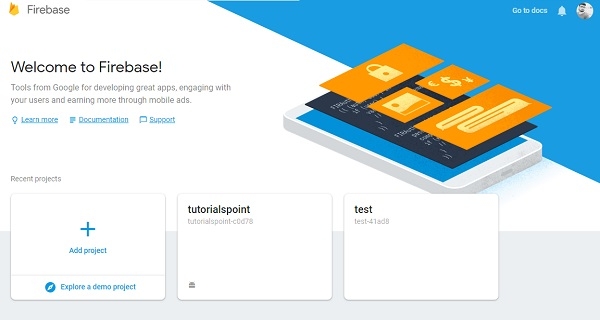
Open your firebase page (https://console.firebase.google.com/) as shown below –
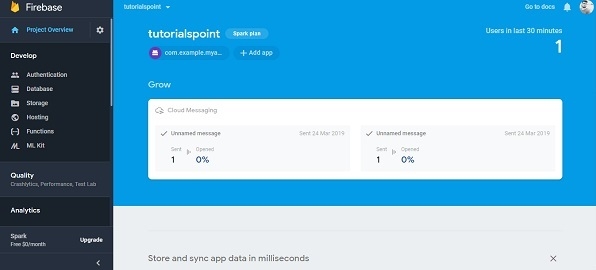
Now select your project. In our case we have tutorialspoint project. It will direct to console page of project as shown below –
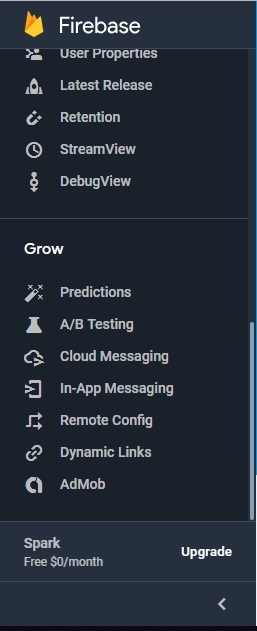
Now scroll down right side menu to grow as shown below –
In Grow tab select Cloud messaging as shown below –
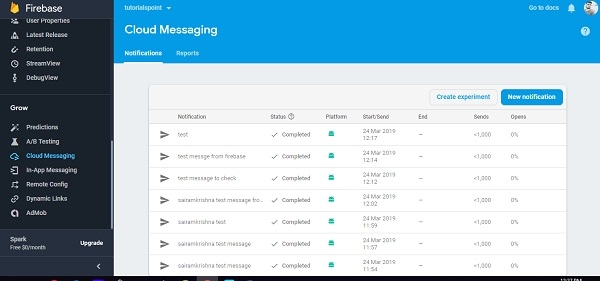
Now click on new notification button. It will redirect to compose message button as shown below –
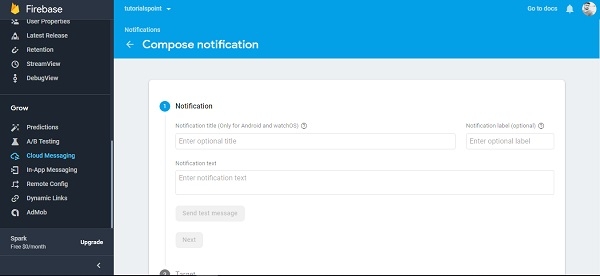
Now write your message as shown below –
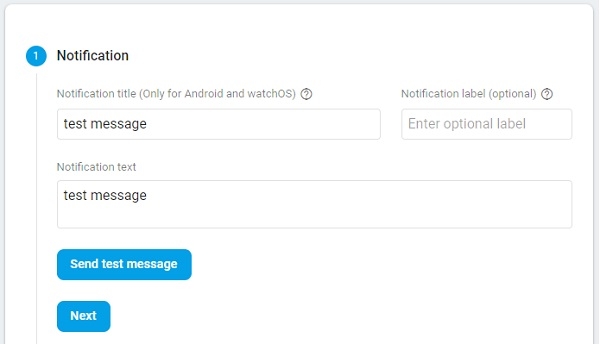
Now click on next to go target tab. Now select project as shown below –
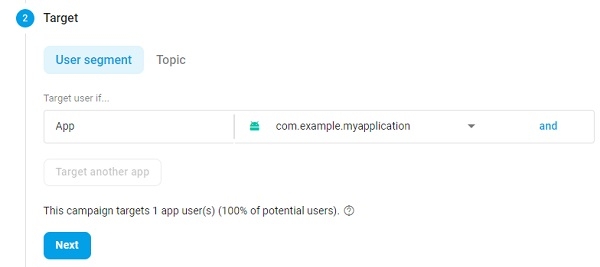
Now click on next button to go schedule as shown below –
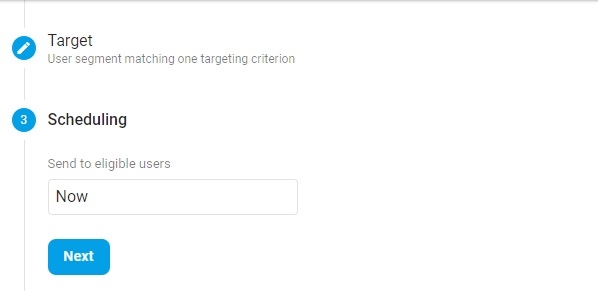
Now click on next button to go conversation even. Select an even as shown below –
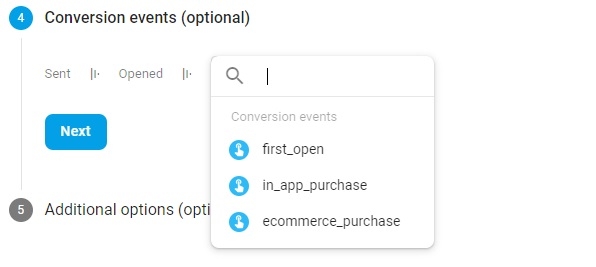
Now click on next button to go addition options and fill all required fields
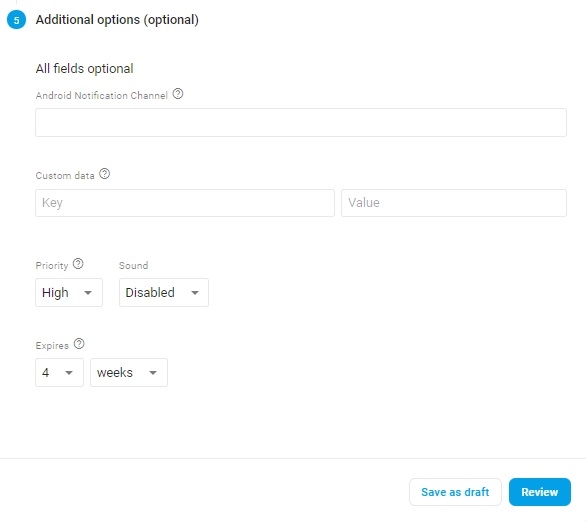
Now click on review button as shown below-
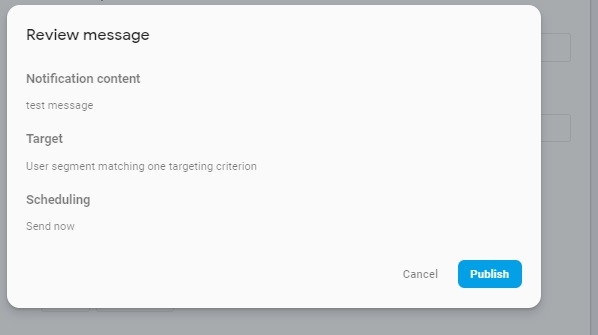
Now click on publish button to publish message. That’s it.

298 Views
