
Article Categories
- All Categories
-
 Data Structure
-
 Networking
-
 RDBMS
RDBMS
-
 Operating System
-
 Java
Java
-
 MS Excel
-
 iOS
iOS
-
 HTML
HTML
-
 CSS
CSS
-
 Android
-
 Python
-
 C Programming
-
 C++
C++
-
 C#
C#
-
 MongoDB
-
 MySQL
MySQL
-
 Javascript
-
 PHP
PHP
-
 Economics & Finance
Selected Reading
How to make a background 25% transparent on iOS
Apple provides backgroundColor which is an instance property, Changes to this property can be animated. The default value is nil, which results in a transparent background color.
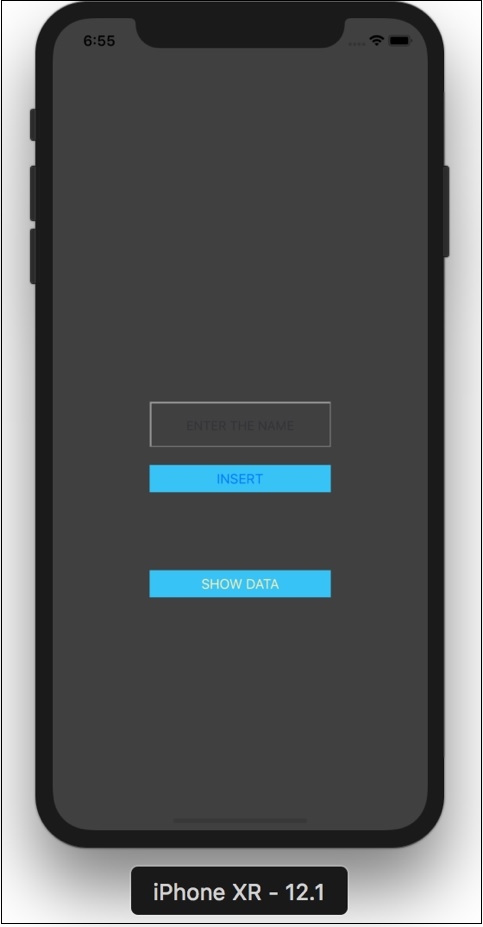
To make background 25% transparent we should set the view to the UIColor with alpha 0.25
view.backgroundColor = UIColor(white: 1, alpha: 0.25)
You can write the following code in your ViewController’s viewDidLoad method.
Your code should look like below.
override func viewDidLoad() {
   super.viewDidLoad()
   view.backgroundColor = UIColor(white: 1, alpha: 0.25)
}

Updated on: 2019-07-30T22:30:26+05:30
1K+ Views

Advertisements