
Article Categories
- All Categories
-
 Data Structure
-
 Networking
-
 RDBMS
RDBMS
-
 Operating System
-
 Java
Java
-
 MS Excel
-
 iOS
iOS
-
 HTML
HTML
-
 CSS
CSS
-
 Android
-
 Python
-
 C Programming
-
 C++
C++
-
 C#
C#
-
 MongoDB
-
 MySQL
MySQL
-
 Javascript
-
 PHP
PHP
-
 Economics & Finance
Selected Reading
Change figure window title in pylab(Python)
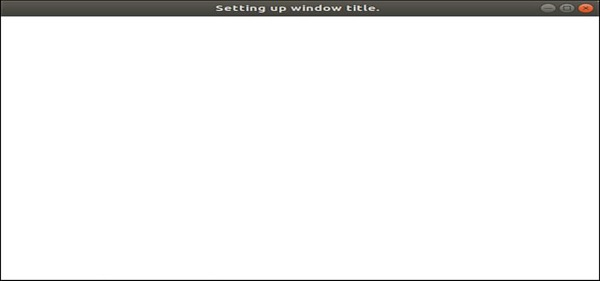
Using pylab.gcf(), we can create a fig variable and can set the fig.canvas.set_window_title('Setting up window title.') window title.
Steps
Using gcf() method, get the current figure. If no current figure exists, a new one is created using `~.pyplot.figure()`.
Set the title text of the window containing the figure, using set_window_title() method.. Note that this has no effect if there is no window (e.g., a PS backend).
Example
Please use Ipython and follow the steps given below -
In [1]: from matplotlib import pylab

In [2]: fig = pylab.gcf()

In [3]: fig.canvas.set_window_title('Setting up window title.')
Output

Updated on: 2021-03-16T10:07:24+05:30
3K+ Views

Advertisements