
Article Categories
- All Categories
-
 Data Structure
-
 Networking
-
 RDBMS
RDBMS
-
 Operating System
-
 Java
Java
-
 MS Excel
-
 iOS
iOS
-
 HTML
HTML
-
 CSS
CSS
-
 Android
-
 Python
-
 C Programming
-
 C++
C++
-
 C#
C#
-
 MongoDB
-
 MySQL
MySQL
-
 Javascript
-
 PHP
PHP
-
 Economics & Finance
Selected Reading
What is the use of Custom Extractor in SAP R/3 system?
In order to extract data from tables, you need to follow steps:
- Create a View of the required table from where the data needs to be extracted or view over multiple joined tables
- Navigate to Transaction SE11 and Select option 'View'. It will ask for a name, name it something like 'View_TableName'.
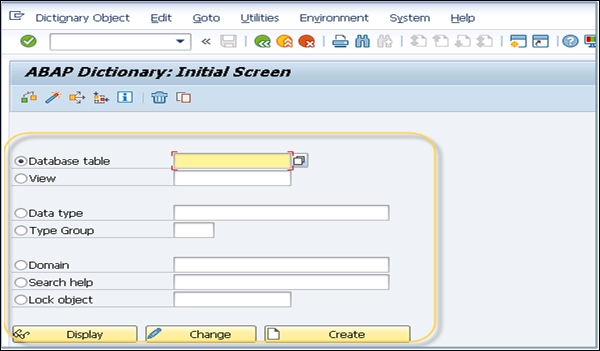
- Select which all the fields of the tables needs to be extracted and click on activate
- Go to Transaction RS02 and create a transaction extractor and name it something like 'Trans_TableName'
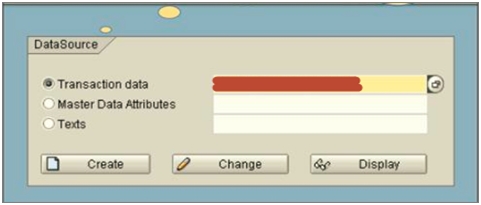
- Specify the position of the created extractor in the component hierarchy.
- If you want to provide descriptions, add it. Specify the view name and save it.
-
Besides using the view for DB extraction, the other ways to do the same are:
- Using Function Modules
- Using SAP Query

Updated on: 2020-02-17T06:10:15+05:30
534 Views

Advertisements