
Article Categories
- All Categories
-
 Data Structure
-
 Networking
-
 RDBMS
RDBMS
-
 Operating System
-
 Java
Java
-
 MS Excel
-
 iOS
iOS
-
 HTML
HTML
-
 CSS
CSS
-
 Android
-
 Python
-
 C Programming
-
 C++
C++
-
 C#
C#
-
 MongoDB
-
 MySQL
MySQL
-
 Javascript
-
 PHP
PHP
-
 Economics & Finance
Selected Reading
How to use .svg files in a webpage?
The svg files are Scalable Vector Graphics. You can add it to a web page using the ,
The .svg file is to be referenced in the src attribute of the tag. Let’s see how to add it using the
tag.
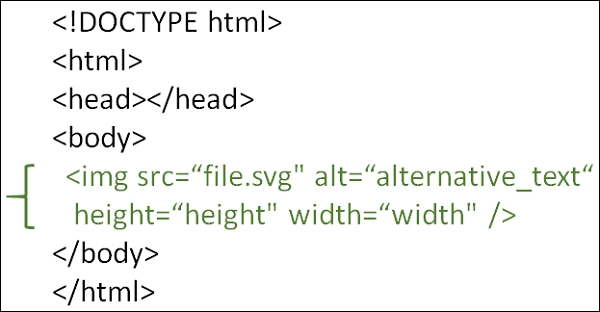
You can try to run the following code to learn how to use .svg files in a web page. We have a smiley.svg file −
<!DOCTYPE html>
<html>
   <head>
      <title>HTML SVG</title>
   </head>

   <body>
      <h1>Design</h1>
      <img src=
         "https://www.tutorialspoint.com/html5/src/svg/extensions/imagelib/smiley.svg"
         id="demo" alt="smiley">
   </body>
</html>

Updated on: 2020-06-26T06:33:18+05:30
939 Views

Advertisements